Features Added
AI Reporting
- A new AI-powered reporting feature is now available, allowing users to generate reports using natural language prompts.
- Instead of manually building filters, users can ask the system for specific insights and summaries based on their sales and operational data.
Promotions for POS
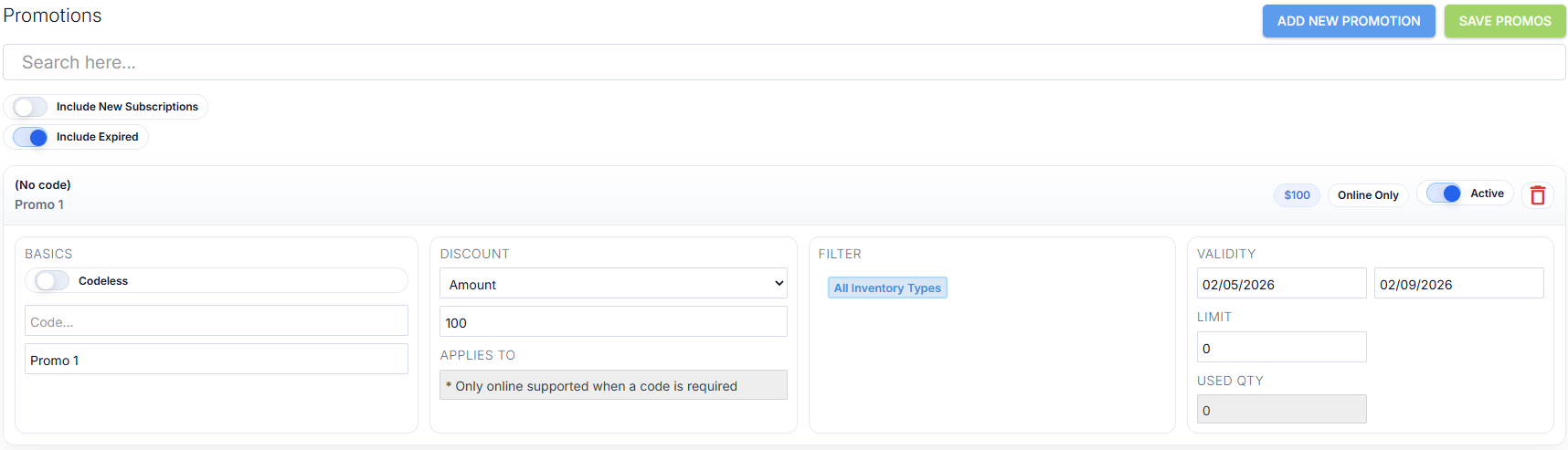
- POS now supports item-level promotions, allowing stores to apply percentage-based markdowns (such as 20% or 30%) directly to individual products.
Enhancements Made
POS
- Visual updates to improve readability and usability during the sales flow.
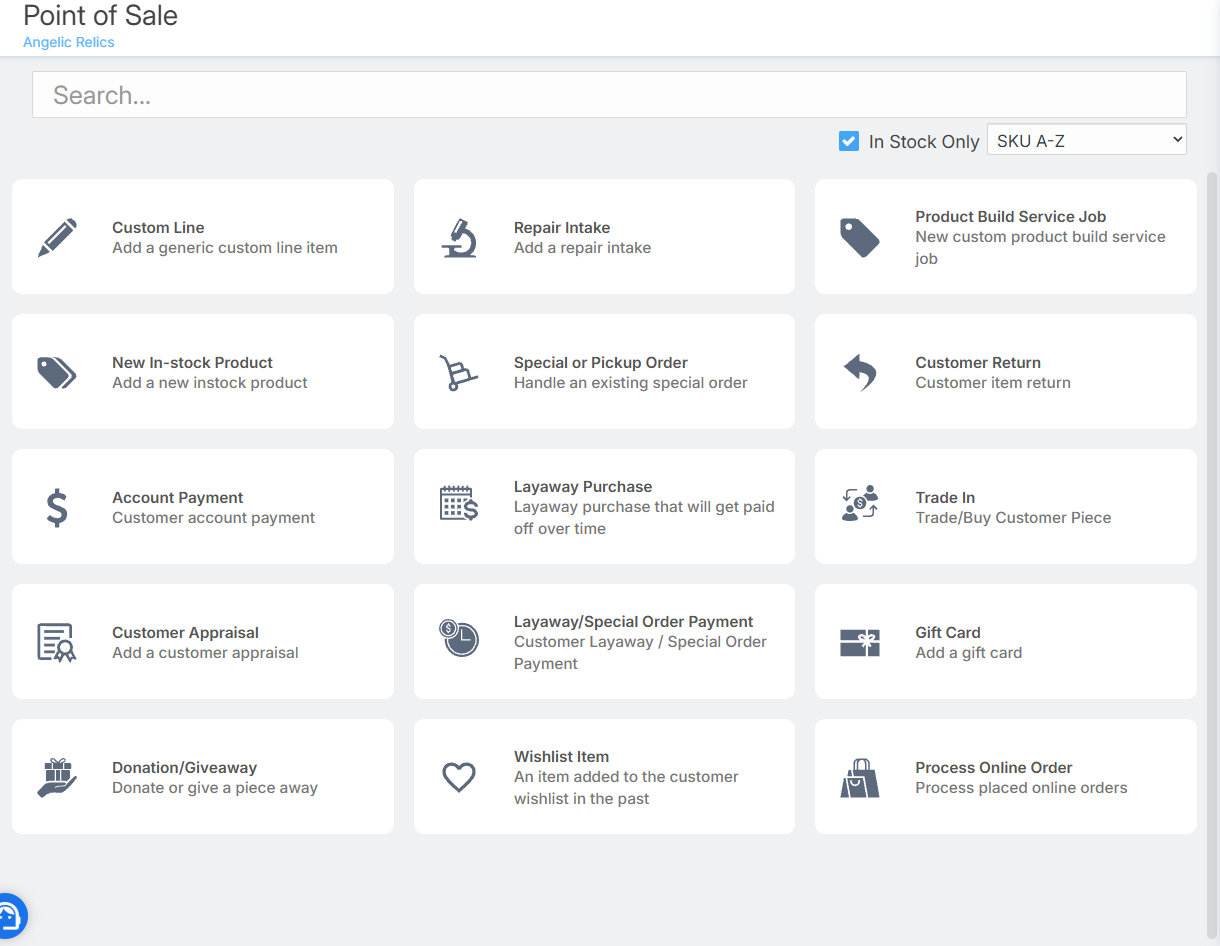
- When selecting a customer in the POS module, you can now scroll through up to 200 customers.
- When collecting a required policy signature during a sale, you can now send the signature request directly to the Customer Facing Display screen.
Expanded Discount Options at Checkout
Previously, discounts could only be applied using:
- Discount Percentage
- Fixed Amount
You can now also set a product’s:
- Desired Amount (Pre-Tax)
- Desired Amount (After-Tax)
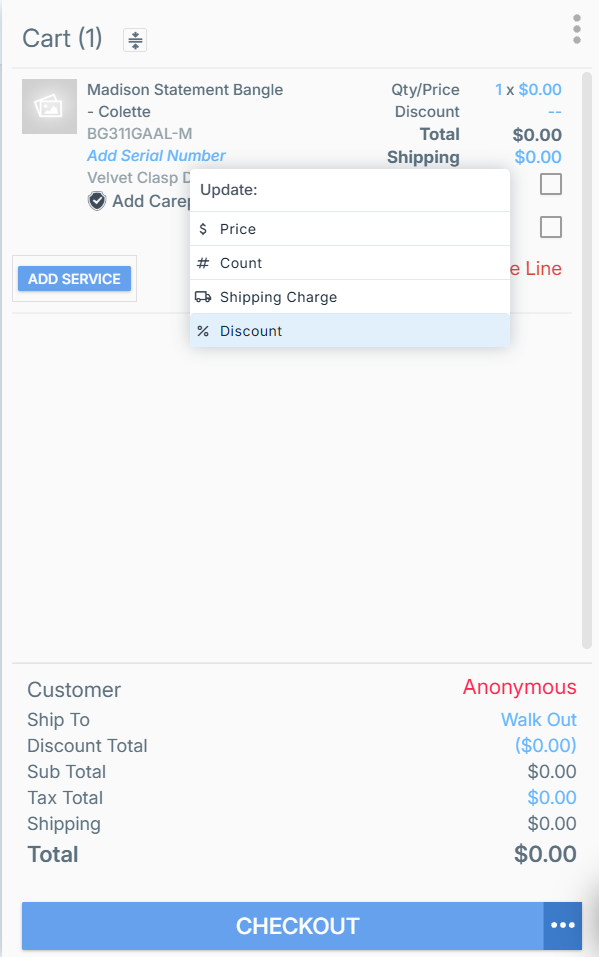
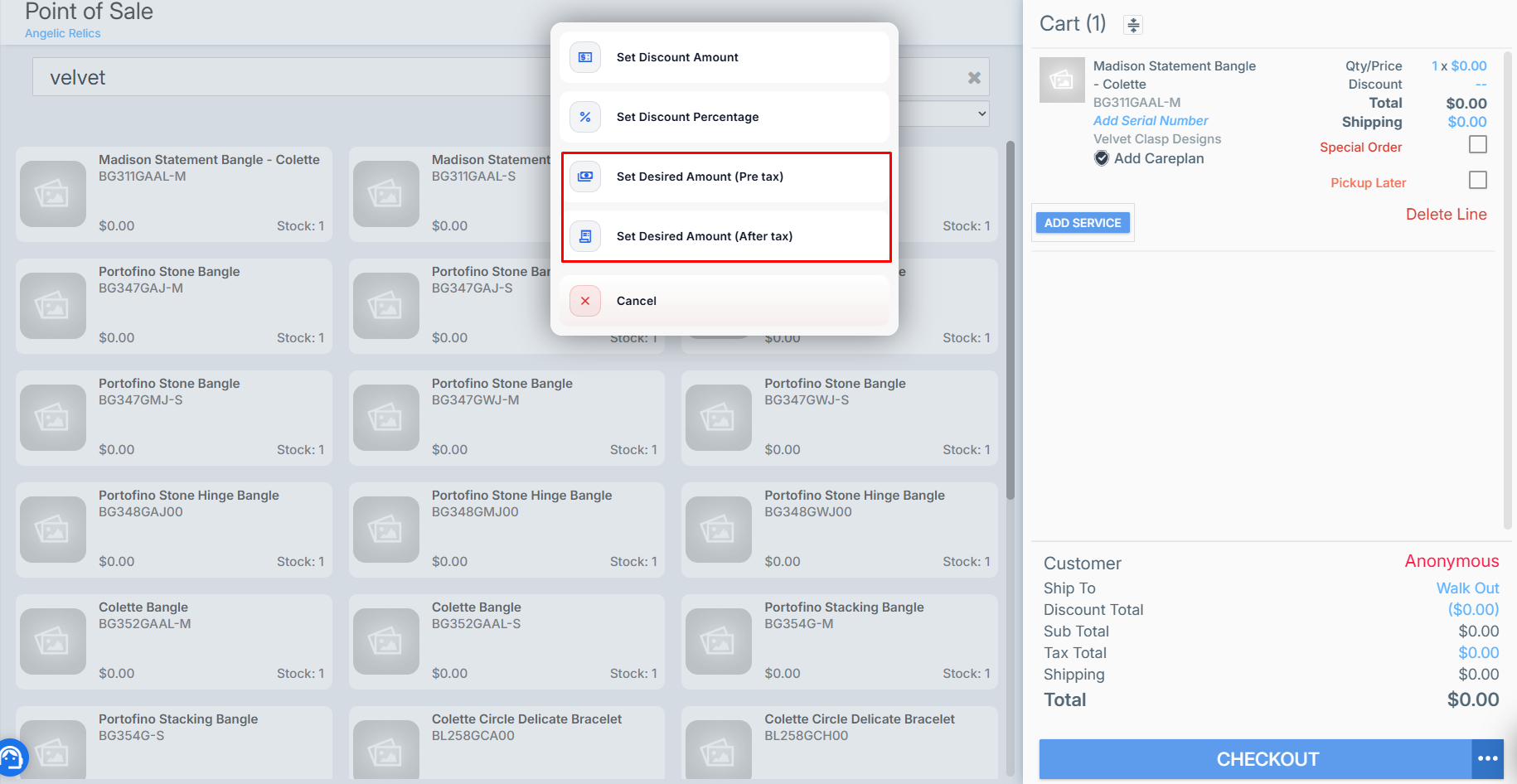
This gives stores greater flexibility when adjusting pricing at checkout, making it easier to match customer expectations or promotional pricing while maintaining accurate tax calculations.
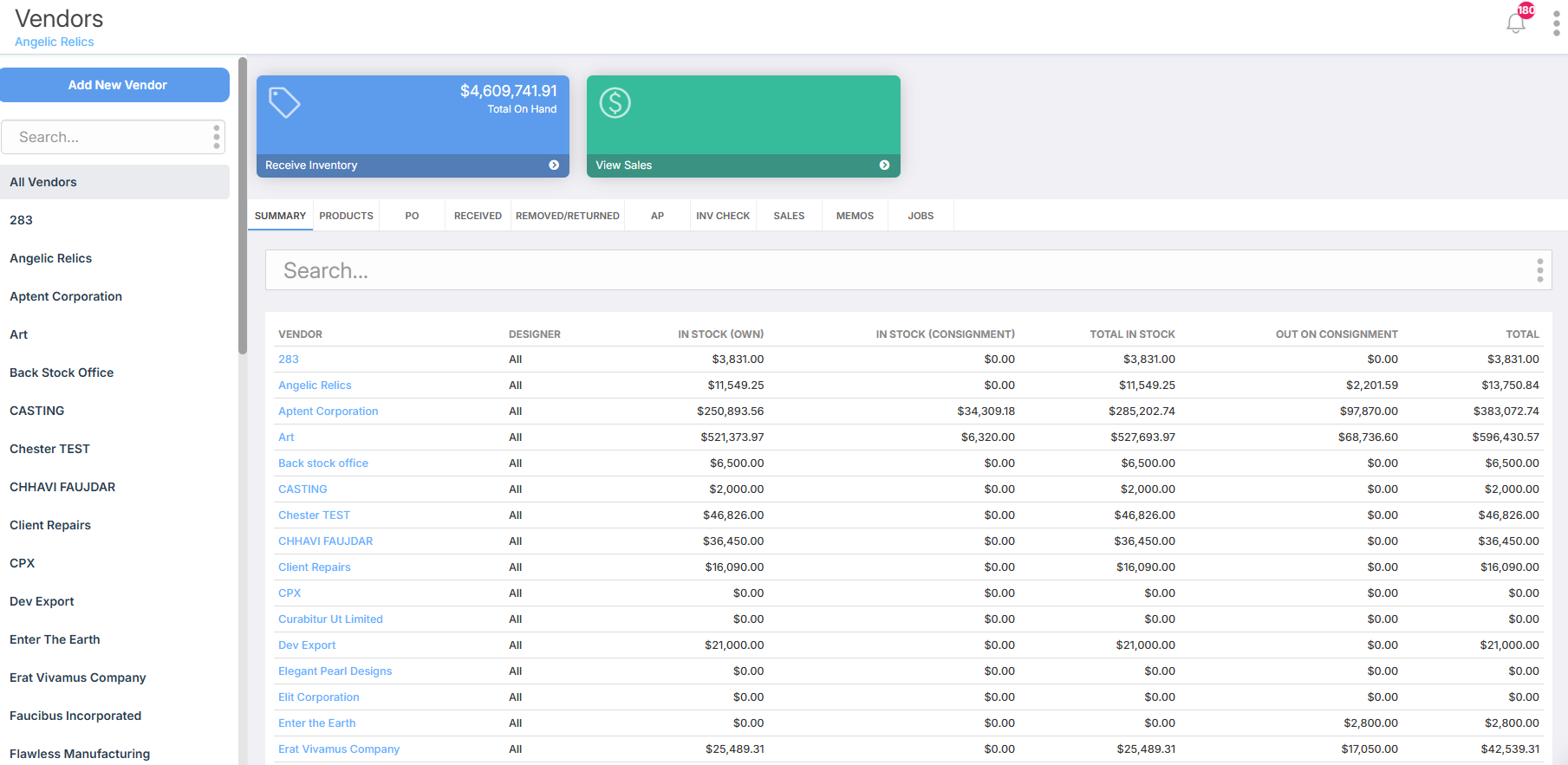
Vendors
- Interface refinements to make vendor information easier to read.
Customers
- Improved layout and visual consistency when viewing and managing customer records.
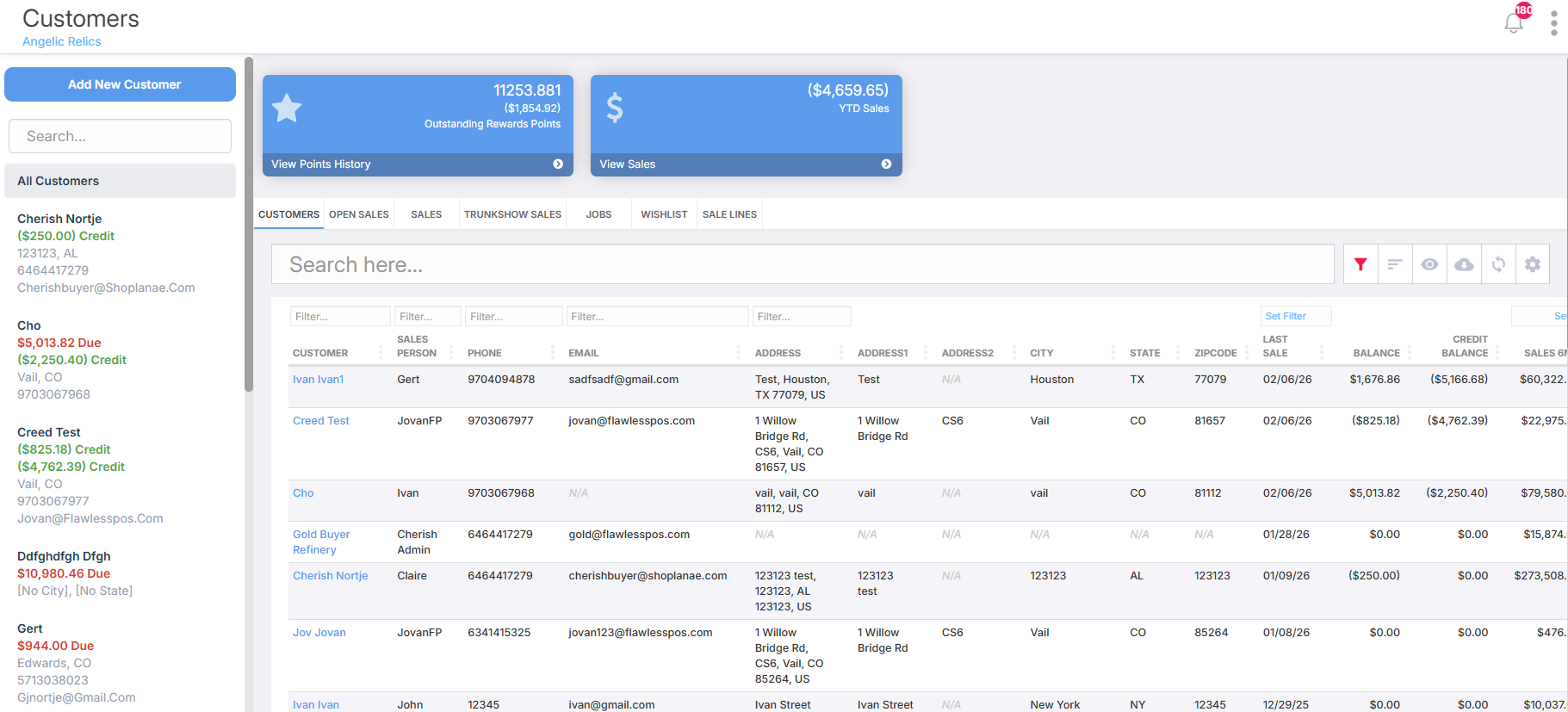
- Scrolling within the Customers module has been increased to display up to 200 customers.
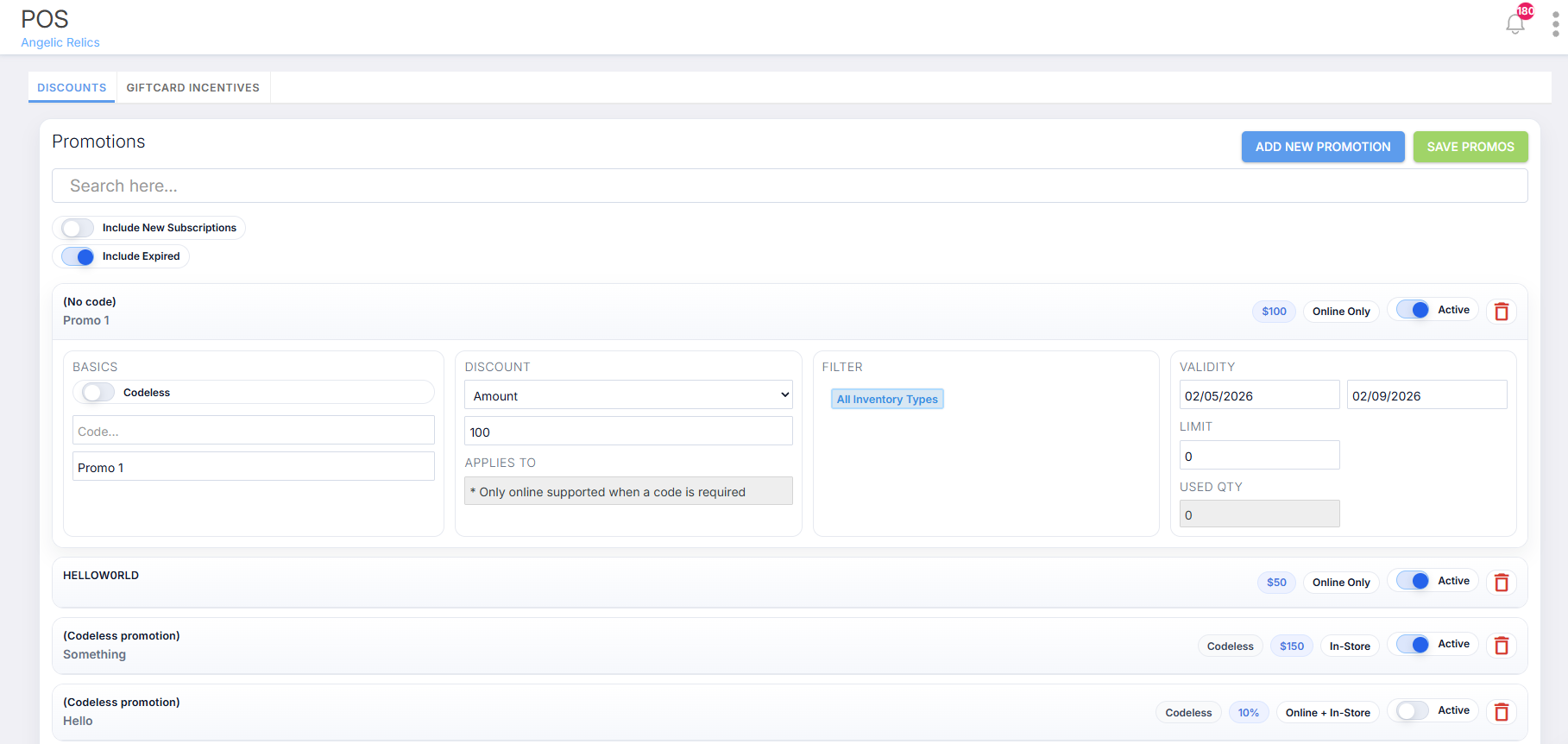
Promotions
- Visual enhancements to better highlight promotional settings and configurations.
Abandoned Cart Automation Improvement
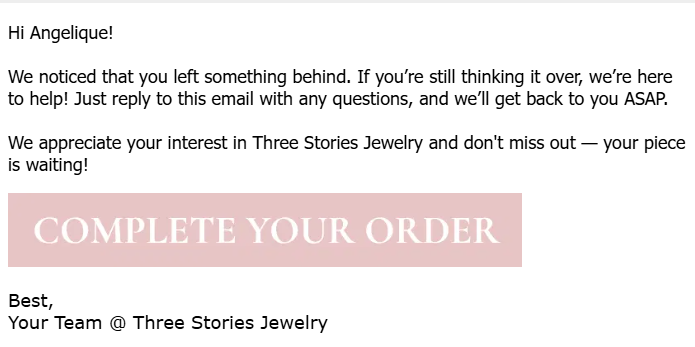
- Improved the abandoned cart automation so customers are taken directly back to their abandoned cart when they click the message link.
- This removes extra steps in the checkout process and makes it easier for customers to complete their purchase.
- Helps improve recovery rates by creating a smoother, more direct return-to-cart experience.
Custom Lines Now Non-Commissionable by Default
Custom Lines will now be treated as non-commissionable by default.
As a result:
- Custom Lines will not be included in commission calculations
- They will not appear in Month-to-Date (MTD) totals
- They will not appear in Year-to-Date (YTD) totals

This change may impact stores currently using commissions reporting. nIf needed, this setting can be adjusted per account by enabling: EnableCommissionOnCustomLines in Store Admin configuration.
Communications
You can now view customer texts, calls, and emails in one unified timeline within the customer profile.
This new Communications view allows you to:
- See all customer interactions in one place
- View sales activity alongside messages
- Access call recordings
- View AI-generated call summaries
- Read full call transcripts
- Search communication history
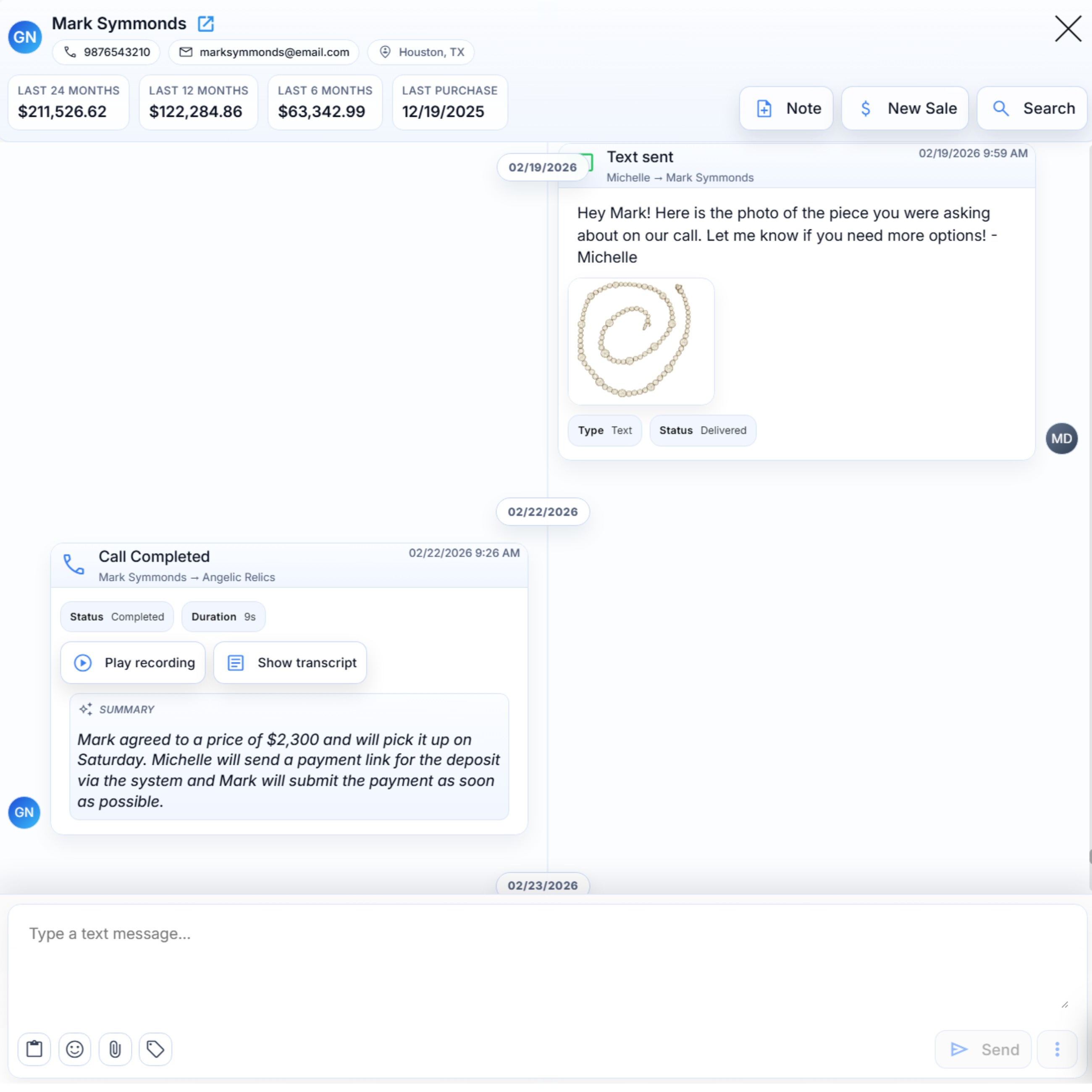
This provides a complete view of every customer touchpoint, helping teams stay aligned and improve follow-ups.
Was this article helpful?
That’s Great!
Thank you for your feedback
Sorry! We couldn't be helpful
Thank you for your feedback
Feedback sent
We appreciate your effort and will try to fix the article